Lightning Fast
Combine JPG files instantly with optimized browser-based processing.
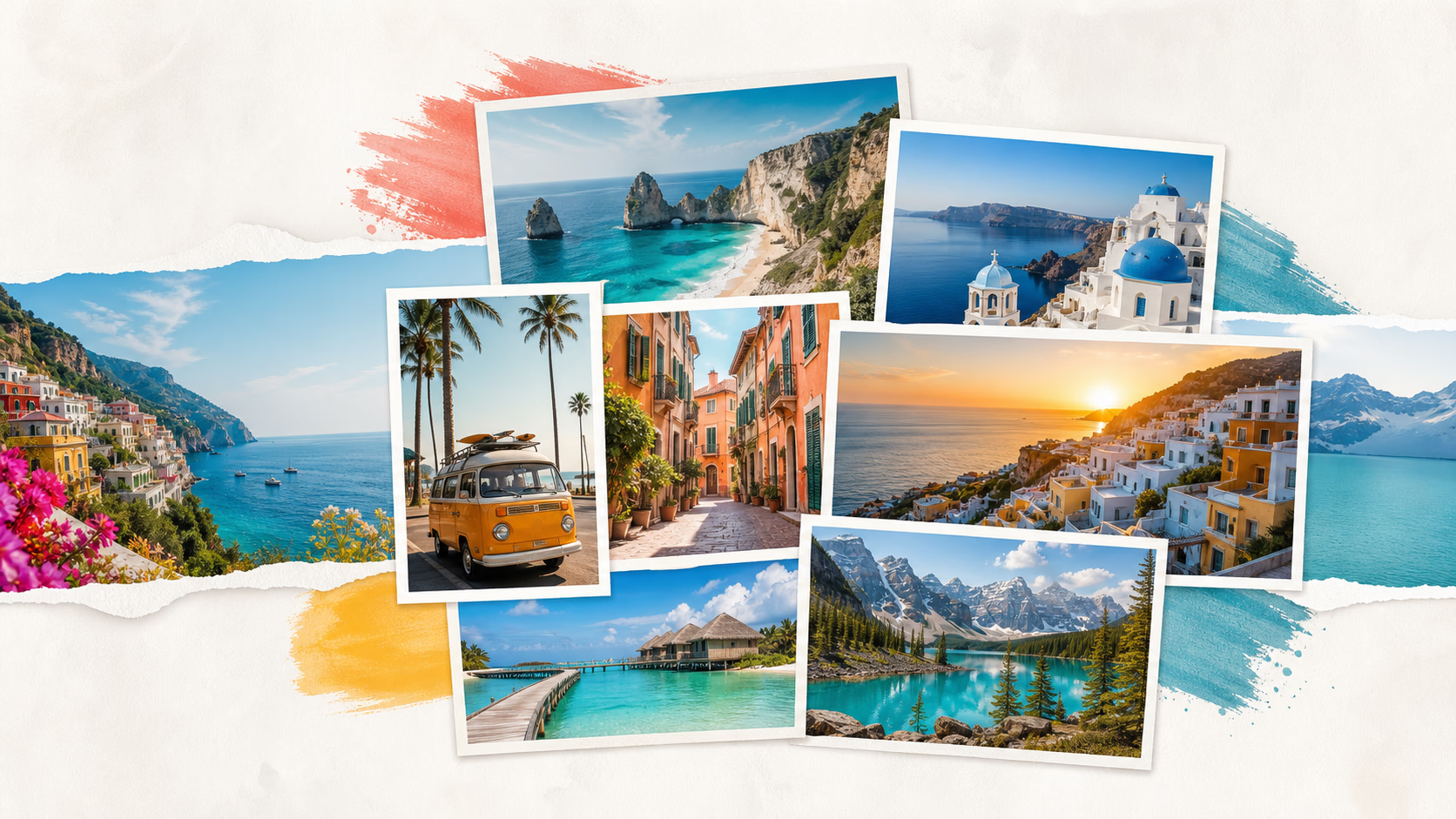
Combine photos, screenshots, and pictures in your browser. No uploads, no signup, no watermark.
Images are processed locally in your browser and never uploaded.
The easiest way to combine JPG files into one with powerful controls, a simple interface, and no watermark.
Combine JPG files instantly with optimized browser-based processing.
Your JPG files never leave your device. All processing happens locally.
Export your combined images as JPG, PNG, or WebP with adjustable quality.
Use the JPG combiner online with no software to install or account to create.
Combine images on phones, tablets, and desktop computers.
Combine JPG files with no hidden costs or subscriptions.
Learn how to join multiple JPG images into one and create polished visual compositions with no watermark or signup.
Combining places separate photos on one canvas for comparisons, product views and collages. It does not match overlapping scenery into a seamless panorama. This browser-based tool lets you combine multiple JPG files without design experience. Your images remain on your device while you arrange and export them.
Combining places separate photos on one canvas for comparisons, product views and collages. It does not match overlapping scenery into a seamless panorama.
This browser-based tool lets you combine multiple JPG files without design experience. Your images remain on your device while you arrange and export them.

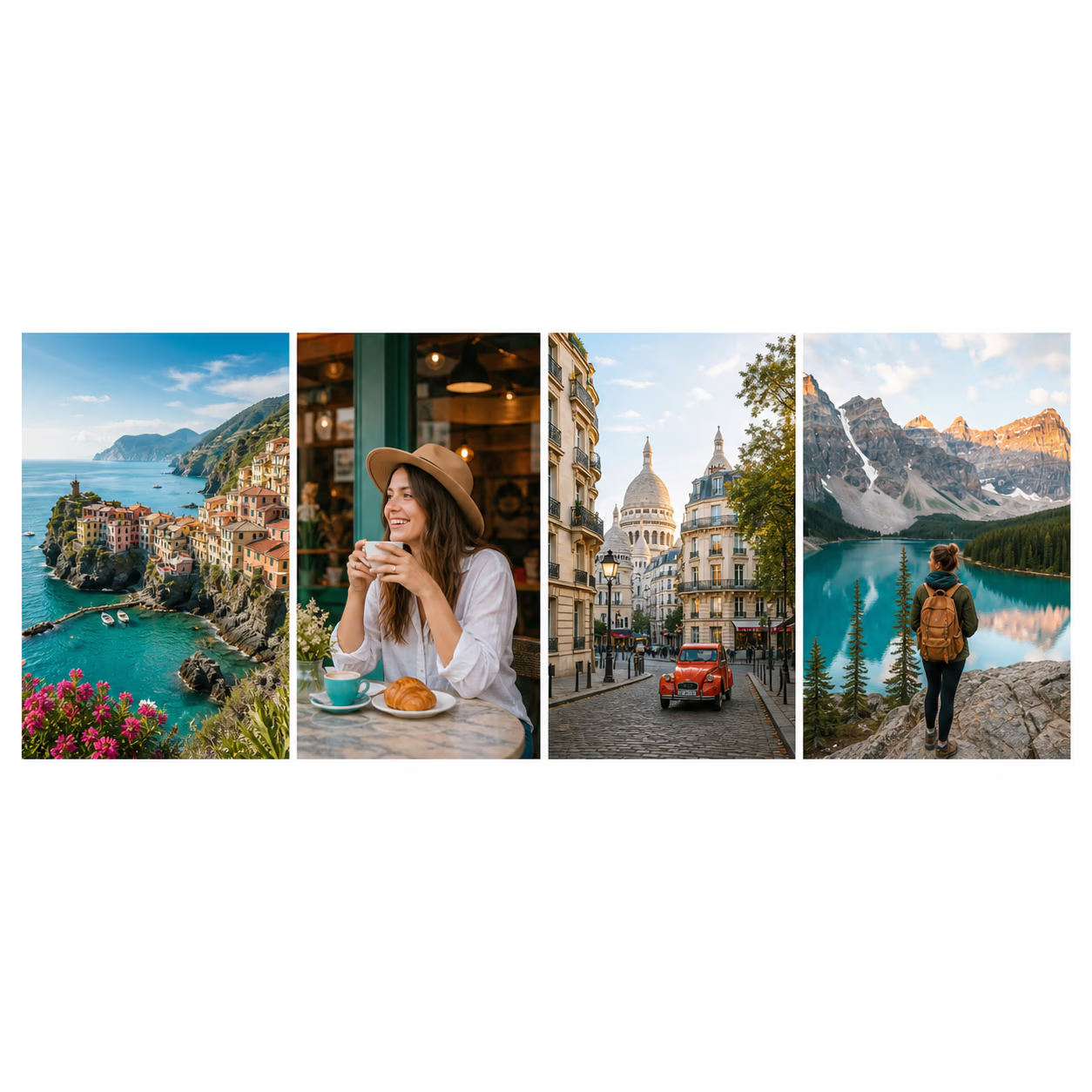
Horizontal places photos side by side for comparisons. Vertical stacks screenshots or photos; overlapping screenshot sections are not automatically removed.
Choose the direction that fits where the final image will be displayed, or use a grid for three or more images.
Click the upload area, drag and drop files, or paste images from your clipboard.
Select a layout, output format, spacing, and quality level.
Export and download your combined image instantly.
Create comparison photos, product listings, illustrated instructions and photo albums.

A focused online tool is faster than complex photo software when you only need to combine images. There is nothing to install and no account to create.
Processing happens locally in your browser instead of on a remote server, so your JPG files remain private and under your control.
Upload, arrange, and export from any modern device with an intuitive workflow.
For two 1200 × 800 photos, select Horizontal, Original size, a 12 px gap, zero outer margin and Free ratio: the export is 2412 × 800. Select Vertical instead for 1200 × 1612. A square ratio adds background around the pair. Check the preview before sharing.
Match image dimensions: Use photos with similar dimensions for a balanced final image.
Consider color harmony: Images with complementary colors create a more cohesive composition.
Choose the right format: Use JPG for photographs and PNG when you need lossless output or transparency.
Optimize quality settings: Check small text at the downloaded image’s actual size. Raising JPG quality cannot restore detail lost by resizing or by earlier compression.
Combine two or many JPG files on any device and download a professional result with no watermark or signup.
Answers about joining multiple images with this private, free JPG combiner.